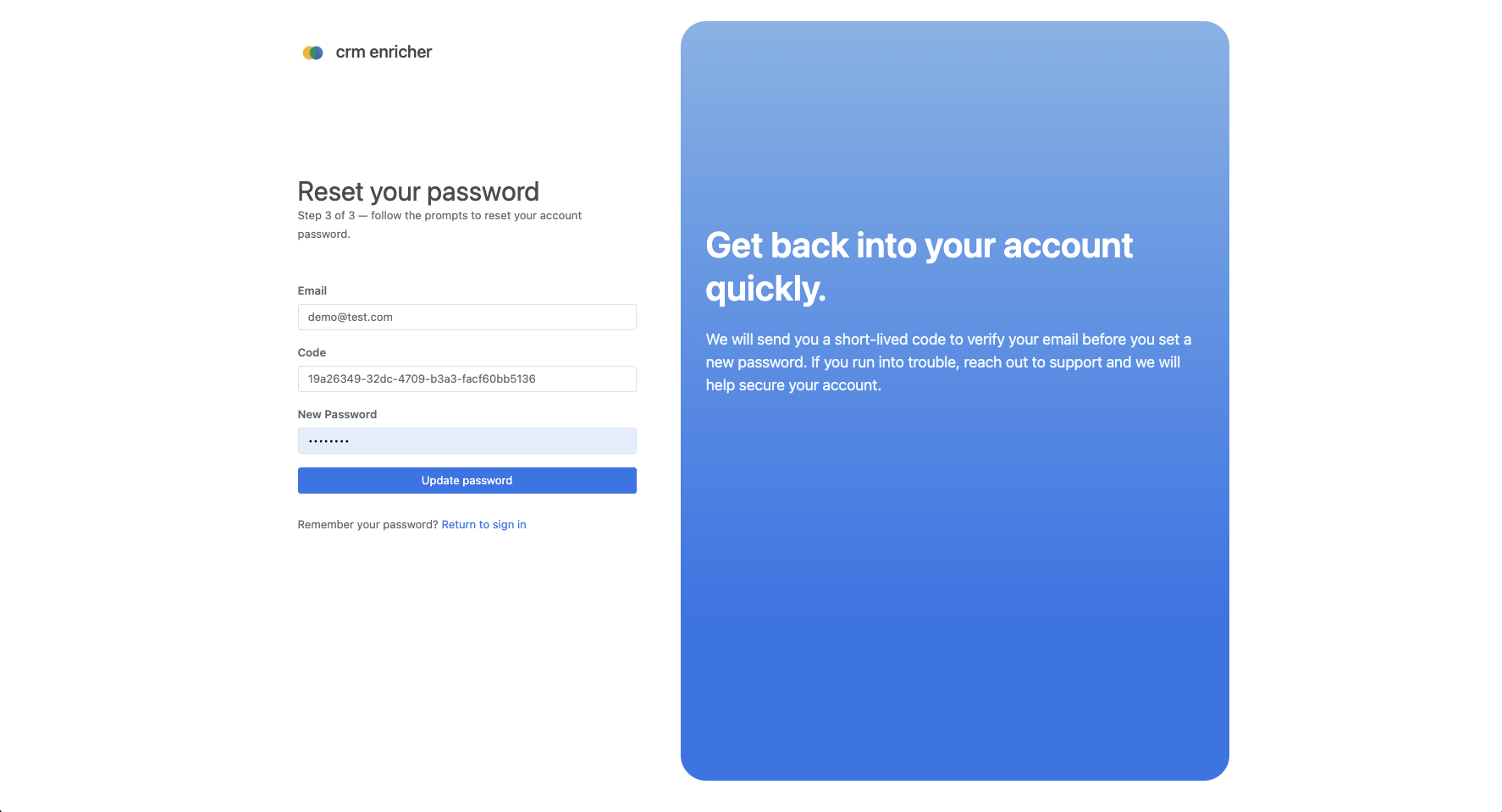

In this post, we will guide you through the steps to reset your password in case you have forgotten it or simply want to change it for security reasons.
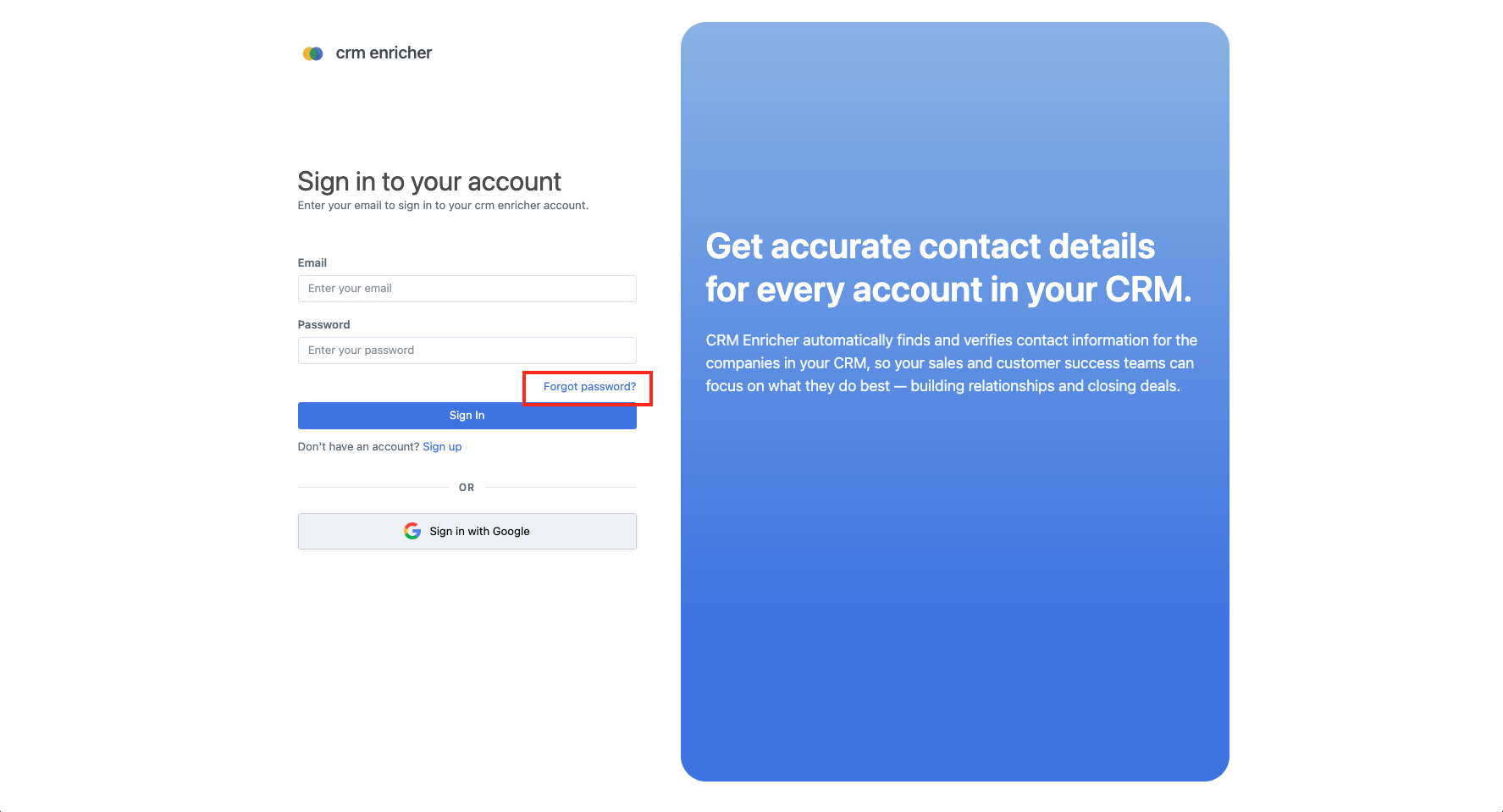
On the sign in page, click the "Forgot Password?" link located below the password input field. See the red box within the screenshot below.
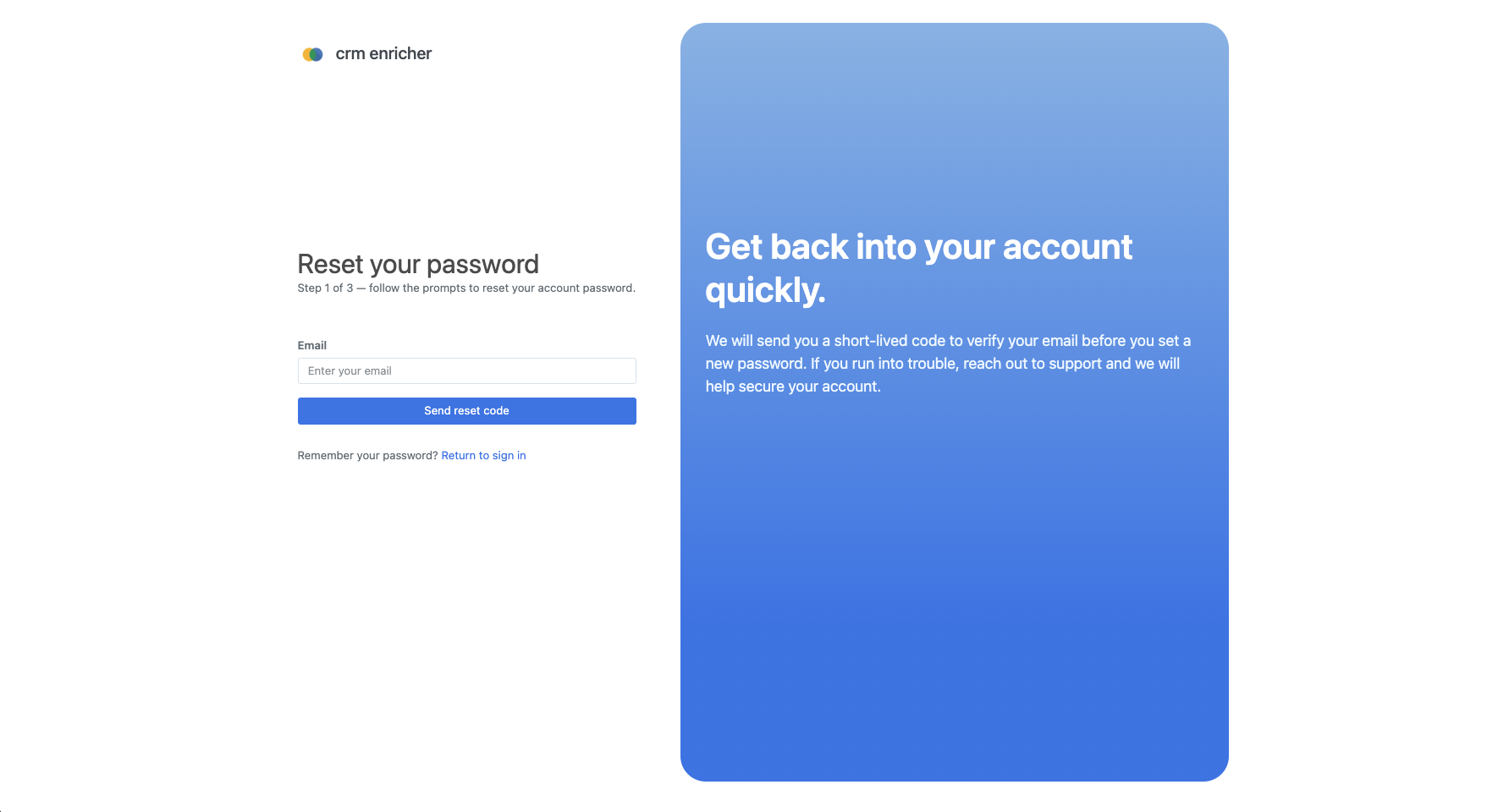
You will be redirect to the password reset page. Enter the email address associated with your account and click the "Send Reset Code" button.
You will receive an email with a password reset code. Check your inbox (and spam folder if you don't see it) for an email from "noreply@crmenricher.com".
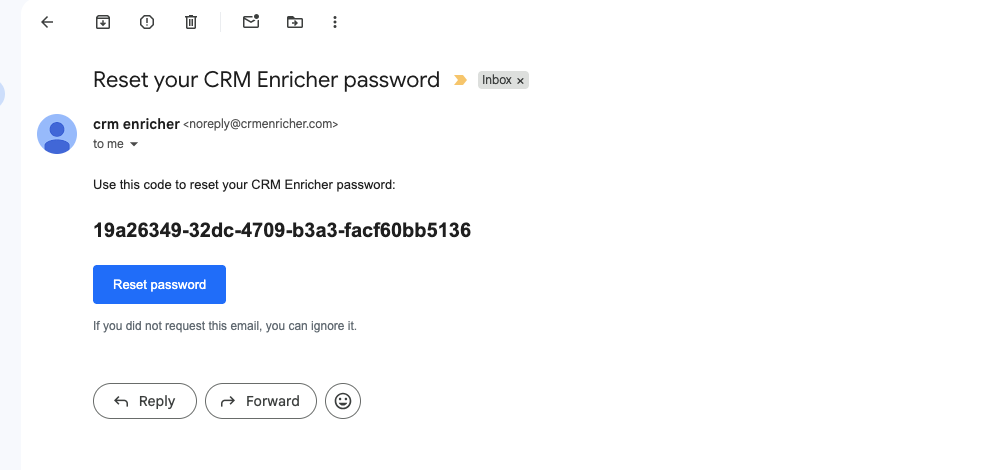
Copy the code into the textbox.
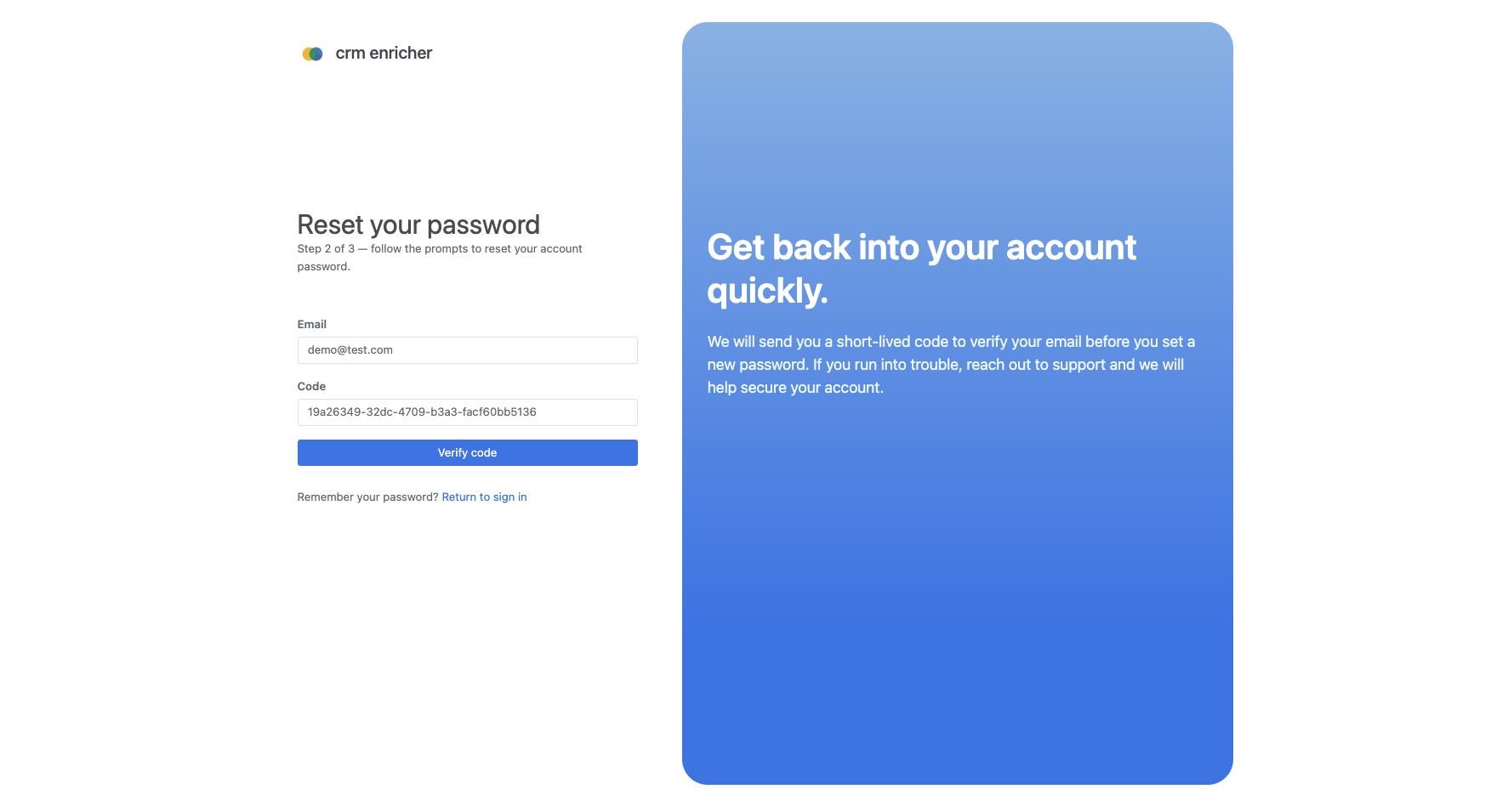
Enter in your new password twice to confirm it, then click the "Update Password" button. It will redirect you back to the home page.